



Why SEO Optimization Matters for Blogs
SEO optimization ensures your blog posts are visible to search engines and your target audience. Without optimization, even high-quality content can remain undiscovered. By leveraging free tools, you can identify opportunities, target relevant keywords, and create content that ranks well in search engines.
Step 1: Keyword Research Using SEMrush and Ubersuggest
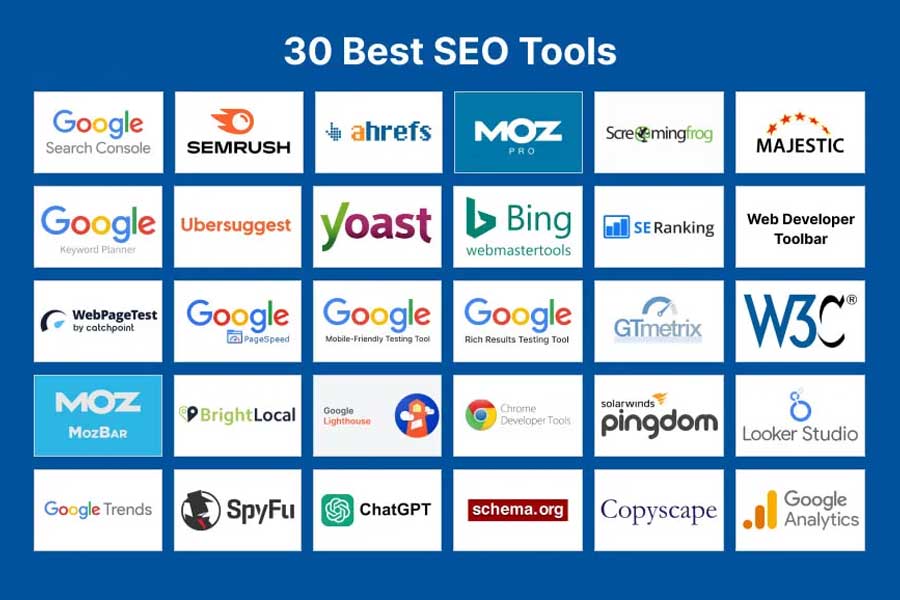
Using SEMrush Free Features
SEMrush offers a limited free account that provides keyword suggestions, search volume, and competition metrics. Enter a seed keyword relevant to your blog topic and review:
- Search volume: to identify popular queries
- Keyword difficulty: to determine competitiveness
- Related keywords: to expand your content strategy
Using Ubersuggest for Keyword Insights
Ubersuggest’s free plan provides keyword ideas, search volume, SEO difficulty, and CPC estimates. It also offers content ideas based on top-ranking pages for your keyword. Use these insights to refine your topic and target keywords effectively.
Step 2: Optimize On-Page Elements
Title Tags and Meta Descriptions
Include your primary keyword in the title tag and meta description. Keep the title under 60 characters and the meta description under 155 characters for optimal search display.
Headers and Subheadings
Use H2 and H3 headers to structure your content. Include keywords naturally in headers to signal relevance to search engines.
Content Optimization
Integrate your target keywords naturally throughout the post. Avoid keyword stuffing and focus on readability. Use SEMrush’s SEO Content Template or Ubersuggest’s content suggestions to ensure your blog meets best practices.
Internal and External Links
Link to other relevant pages on your website to improve navigation and SEO. Include authoritative external links to credible sources like government or educational sites.
Step 3: Improve User Engagement
Use Multimedia
Enhance posts with images, infographics, and videos. Add descriptive alt text for images to improve accessibility and SEO.
Optimize Readability
Break content into short paragraphs, use bullet points, and include clear headings. Tools like Hemingway Editor or Yoast SEO can help enhance readability.
Step 4: Track Performance and Make Adjustments
Monitor Rankings
SEMrush and Ubersuggest allow you to track your keyword rankings. Monitor which posts are performing well and identify opportunities to update or expand content.
Update Content Regularly
Refreshing blog posts with updated information, new keywords, or additional sections can boost rankings and maintain relevance in search results.
Step 5: Leverage Additional Free SEO Tools
- Google Search Console – monitor website performance and identify indexing issues
- Google Analytics – track user engagement and traffic sources
- Bing Webmaster Tools – gain additional keyword insights and indexing reports
Frequently Asked Questions
Can I optimize my blog posts for free?
Yes. SEMrush, Ubersuggest, Google Search Console, and other free tools provide enough insights to optimize blog posts effectively.
How often should I update my SEO-optimized posts?
Review and update posts every 3-6 months to maintain rankings and include new keywords or information.
Do I need to buy a premium SEO tool to rank well?
No. While premium tools offer advanced features, free tools provide sufficient data for most small to medium blogs.
How do I choose the right keywords?
Focus on keywords with high search volume, low-to-moderate competition, and relevance to your audience. Use SEMrush and Ubersuggest to evaluate these factors.
Should I focus on long-tail keywords?
Yes. Long-tail keywords are less competitive and often convert better because they target specific search intent.